Why decision makers should care about Business Central virtual tables
Every organization runs on data, but far too often, that data is trapped in systems that weren’t built for speed, flexibility, or innovation. Business Central is no exception. It’s an incredibly capable ERP system, but it wasn’t designed to power mobile apps, modern approval flows, or AI-driven assistance across your business.
So what happens? Teams copy data into spreadsheets. Shadow systems emerge. Manual workarounds slow things down. Opportunities to automate and innovate are missed because the data is too far away from where the work happens.
That’s the problem this integration solves.
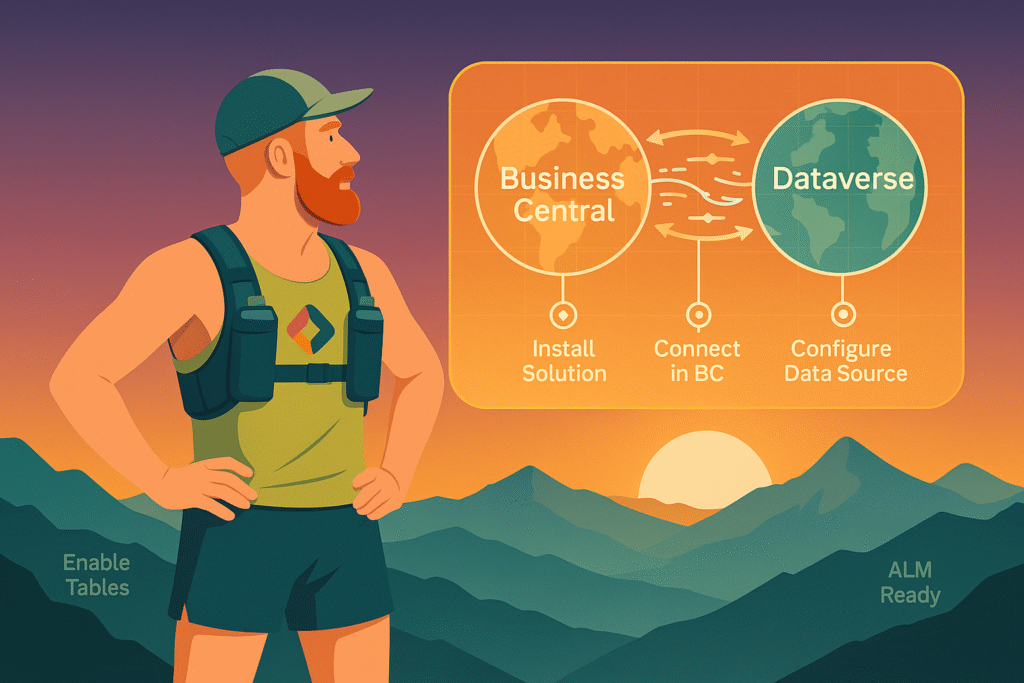
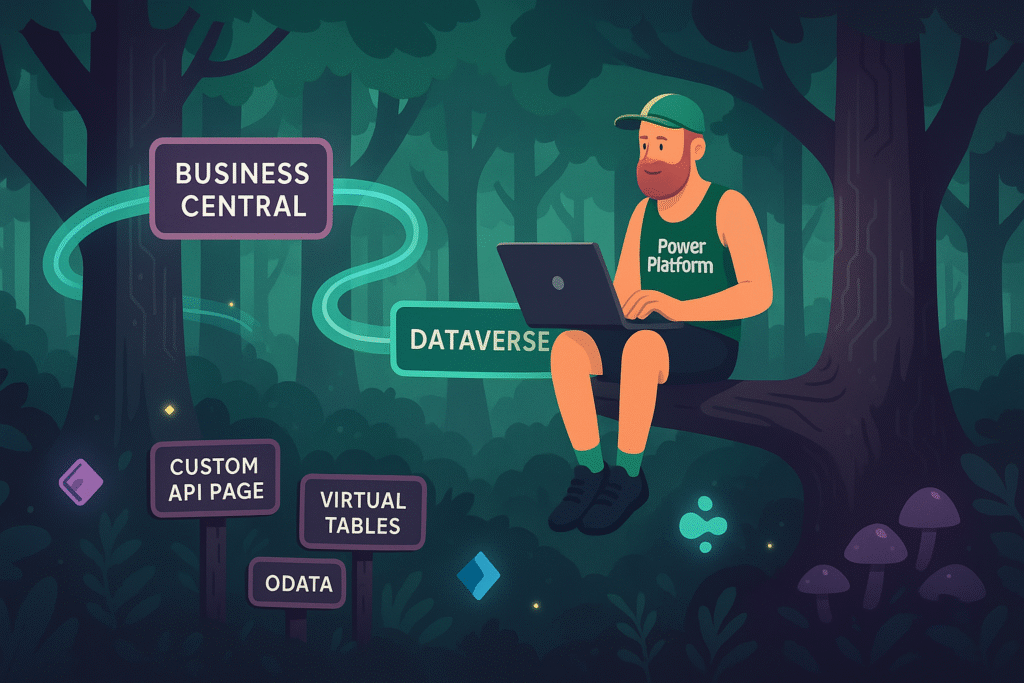
With Business Central virtual tables in Dataverse, your ERP data becomes usable in real time inside the Power Platform. Without sync. Without duplication. Without building or maintaining custom integrations.
And once it’s there, a world of new possibilities opens up.
What If ERP Data Was Just… Available?
This isn’t about replacing your ERP. It’s about extending its value by making its data visible and usable across your digital landscape.
Imagine being able to:
- Build a mobile app that lets sales reps submit quotes and check inventory on the fly
- Launch a Copilot agent that helps support staff check delivery status, invoices, and past orders instantly
- Give managers a structured app to approve or reject purchase orders with one click
- Let project leaders monitor real-time job progress in Power BI, without asking IT to run reports
- Automate supplier communication, billing workflows, or field service task, all using ERP data, without ever duplicating it
This is no longer a complex integration project. It is a configuration option.
What Makes Business Central Virtual Tables Different
No data sync. No middle layer.
Your Business Central data remains in place. The integration exposes it inside Dataverse as virtual tables. It looks and behaves like native data, but it is always live, always current, and always coming from the ERP. And you will not need to worry about your Dataverse storage capacity since all data remains in Business Central!
There is no need to build or maintain data transfers, no duplication of records, and no delays.
Full create, read, update, and delete support
Your teams can take action on ERP data, not just view it. They can create quotes, update records, or trigger business logic in Business Central directly from Power Apps or flows.
This turns your ERP into an active part of your digital process toolkit.
Power Platform-wide availability
Once enabled, Business Central virtual tables can be used in:
- Model-driven apps
- Canvas apps
- Power Automate flows
- Copilot Studio agents
- Power Pages
- Power BI dashboards (in supported use cases)
You can design end-to-end solutions where ERP data fuels the user experience, the logic, and the automation.
Built-in access control
The integration respects Business Central’s security model. Users can only access what they have permission to see. This means you don’t need to reinvent your security structure. You simply use what’s already there.
Connected experiences
Virtual tables can be linked to native Dataverse tables. For example, connect a Business Central customer record to a custom issue tracker or a project task entity. You can create unified experiences that cross systems while keeping your data clean and centralized.
Real-World Scenarios
Here are a few real examples of how this is being used in practice.
1. Empowering the sales team
Sales reps in the field use a tablet-based canvas app to check pricing, availability, and customer balances. They can create and submit quotes, all of which are saved directly to Business Central. No copy-paste, no Excel, no email chains.
2. Streamlining financial approvals
Managers use a model-driven app to review purchase orders and approve them in seconds. Flows handle notifications and logging. The updates go straight into Business Central, and finance sees the result instantly.
3. Enhancing customer service with Copilot
Customer service agents interact with a Copilot Studio agent that can pull information like unpaid invoices, late deliveries, and recent orders. The data is live and comes directly from Business Central via virtual tables.
4. Improving project visibility
Operations teams use a custom dashboard to track resource planning and job progress from Business Central. No exports are needed. The data flows live into the app interface, giving managers confidence in the numbers.
Why This Matters for Decision Makers
If your organization is investing in Power Platform or already using Business Central, this integration creates a unique opportunity to accelerate digital transformation without increasing complexity.
You don’t need to migrate data, build point-to-point connectors, or take on new risk.
You simply make your ERP data available where the work is happening.
And by doing that, you unlock:
- Faster decision-making
- Stronger user experiences
- Smarter automation
- Lower integration overhead
- Higher trust in your data
The value isn’t just in what you build. It’s in what you stop doing. You stop syncing data. You stop maintaining manual processes. You stop telling people to “just export the data.”
Instead, you create connected systems that work together and move with the business.
What’s Next
In Part 2, we’ll explore how this integration works behind the scenes. We’ll look at what is supported, what limitations to be aware of, and what makes it different from traditional data strategies.
In Part 3, we’ll walk step-by-step through setting it up, using it in apps and flows, and managing it using proper ALM techniques.
If you are serious about making your ERP data work harder, this is the place to start.